Podcasts your kids love.
None you'll regret.

A library of kid-safe podcasts — no algorithm, no rabbit holes, no surprises. Just the shows you approve.
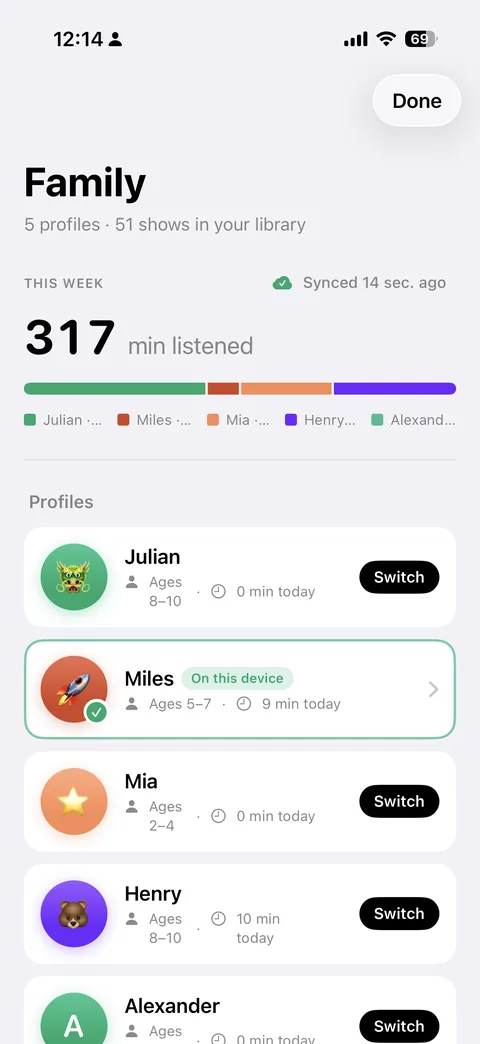
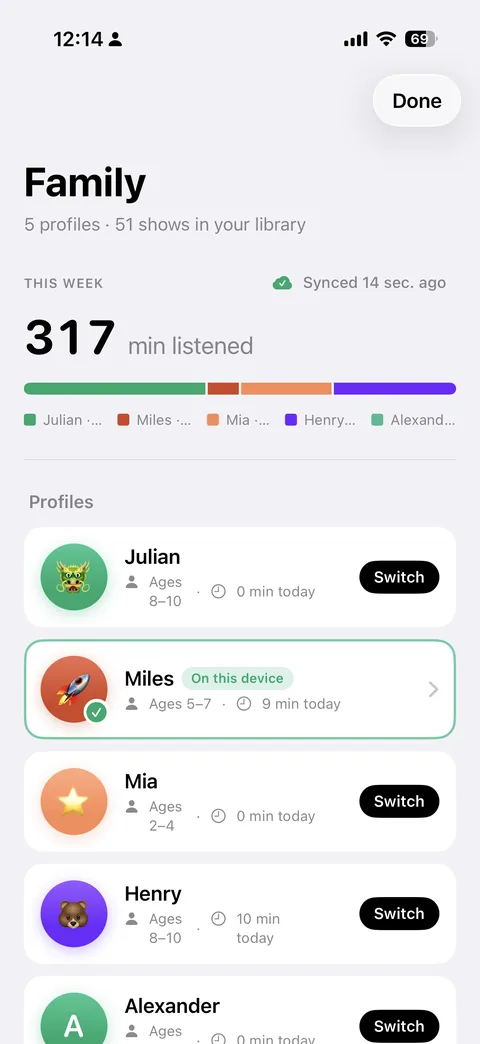
PodFocus Family dashboard with five kid profiles and weekly listening stats
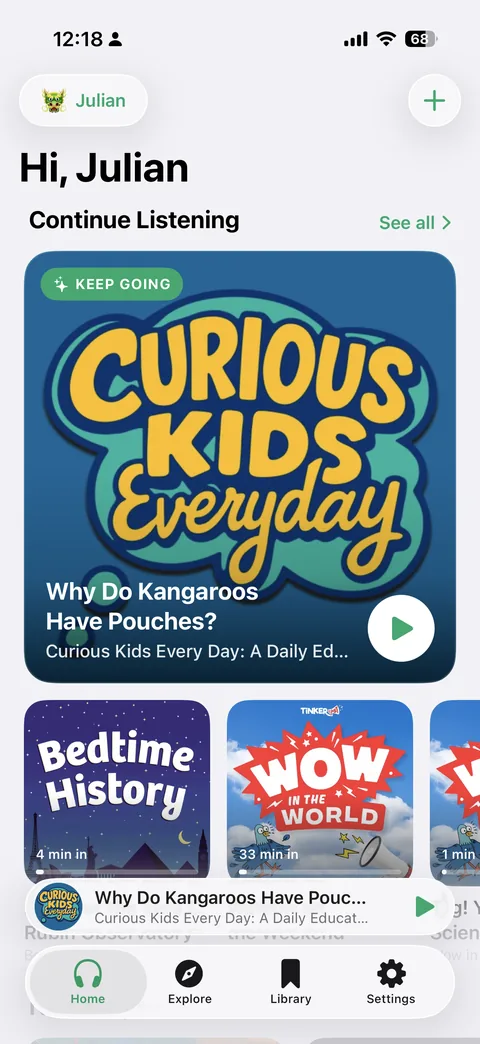
PodFocus on iPhone showing Julian's Home tab with a Continue Listening hero card
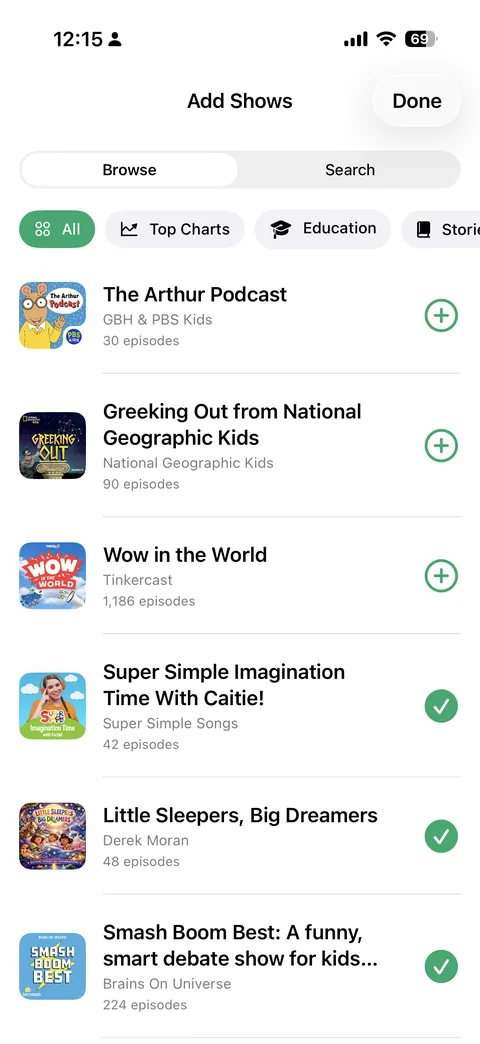
PodFocus Add Shows browser showing the curated kid-safe podcast catalog
Today
31 min listened
Preschool to teen,
every show approved
PIN‑locked parent zone
How it works

A podcast app you can actually hand to your kid

Three steps. Curated by you.

01

Set up a profile per kid

Add a profile for each kid in your family — one, two, three, four… You set the name and age range. They pick the color and emoji avatar that makes the profile feel like theirs.

02

Pick from the kid-safe catalog

You browse the catalog of kid-safe podcasts and pick which shows go where. For older kids, switch on the full catalog for their profile and approve grown-up podcasts one at a time. Nothing slips into a kid's library without you.

03

Set limits, lock the parent zone

Daily minutes per profile. PIN-protected parent settings with a recovery code you can stash somewhere safe. Kids stay in their library; you stay in charge.

For families

One app, every kid.

Each kid in PodFocus gets their own profile, their own library, their own listening history — on one app on one device, or shared across devices.

Separate profiles, one device

Multiple kids, one iPhone or iPad. Switch profiles from the parent zone — libraries and listening time stay separate for each kid.

Share a profile to their own iPad

Send any profile to a device signed into a different Apple ID — like your kid's iPad. Their library follows them, and one family PIN works on every device, so you can manage it from their iPad too.

Listening history, parent-only

See what each kid listened to, when, for how long, and which episodes they finished. Spot patterns, find new favorites, or pull a show that didn't land the way you hoped.

PodFocus Family dashboard with five kid profiles and a weekly listening bar chart
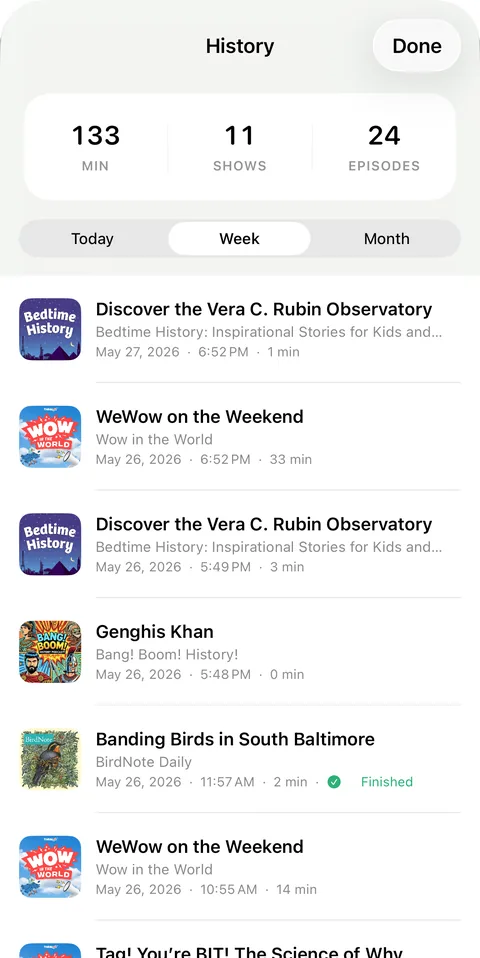
PodFocus listening history showing minutes, shows, and episodes for today
Listen anywhere

Car rides. Planes. No-wifi cabins.

PodFocus was built around real listening: long drives, dinner cleanup, the bath, the bedtime wind-down. It works whether or not you have signal.

Offline downloads

Tap to download any episode. Once it's saved, it plays without internet — perfect for road trips and "the wifi is down again" hour.

Background audio + lockscreen

Real audio app behavior. The phone can sleep, you can switch apps, AirPods controls work, CarPlay sees it.

Picks up where they paused

Episodes resume exactly where they left off — mid-sentence if you have to. Continue Listening is right on the home screen, and finished episodes get a ✓ so kids can see what they've already heard.

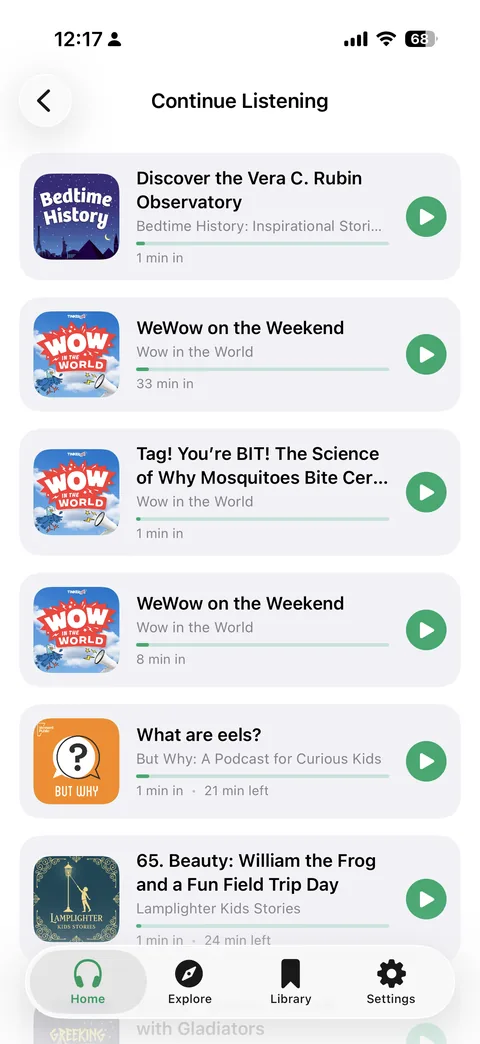
PodFocus Continue Listening list showing episodes resumed exactly where they paused
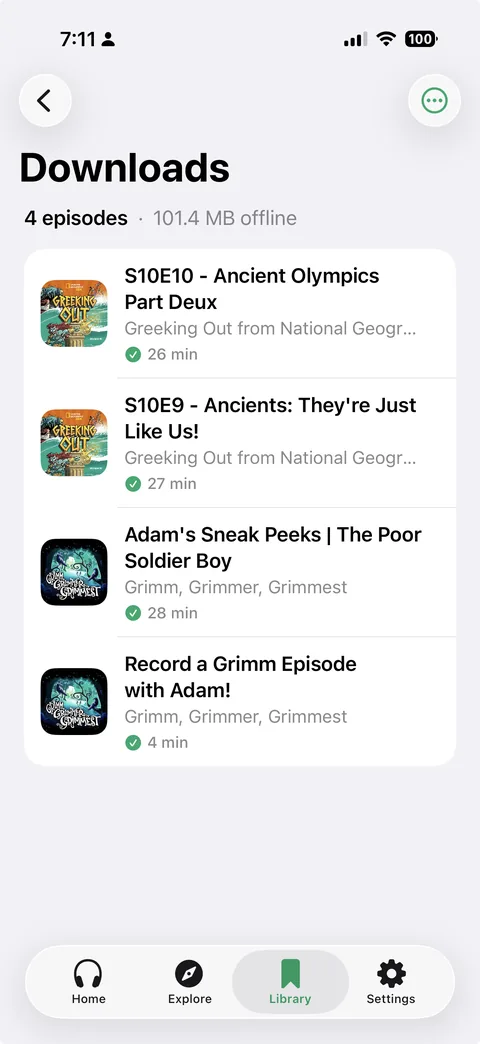
PodFocus Downloads showing four episodes saved offline
Everything included

Built to do one thing well

Curated by You

You pick what each kid hears. No algorithm, no suggested feeds.

No Autoplay

When an episode ends, it ends. Nothing starts playing next on its own.

PIN + Recovery Code

One 4-digit family PIN locks the parent zone on every device. Recovery code for when you forget.

Daily Time Limits

Per-profile minute budgets. Today's listening visible at a glance.

Multi-Profile

One app for the whole family. Separate libraries, separate histories.

Offline Downloads

Episodes saved to the device. Plays in the car, on a plane, anywhere.

Continue Listening

Episodes resume exactly where the kid stopped, even days later.

Already Heard

Finished episodes are checked off, and half-heard ones show the minutes left.

iCloud Sync

Profiles, libraries, and history sync across your devices automatically.

Cross-Apple-ID Sharing

Share a kid's profile to their own iPad. Their library, your control.

iPhone & iPad

Native layouts for both. Background audio, lockscreen, AirPlay, CarPlay.

Data Not Collected

That's the App Store privacy label. No ads in the app, no tracking, no analytics.

For older kids

Room to grow.

Somewhere around 11, kids' podcasts start to feel young. PodFocus grows with them: turn on one switch in your child's profile and you can approve podcasts from the full catalog, one show at a time.

One switch, per child

“Allow parent-approved podcasts from the full catalog” lives in each kid's settings. A younger sibling's profile stays kids-only.

You confirm every show

Search covers every podcast, but nothing reaches their library until you add it. Grown-up shows are labelled in Manage Library.

Explicit episodes stay hidden

Episodes their creators mark explicit don't appear. Turn the switch off and the shows you've already approved stay put.

Read the guide for tweens →

Curated by you.
Fully theirs.

Find PodFocus on the App Store for iPhone and iPad.

Requires iOS 18 or later — works on iPads back to 2018